Understanding Structured Data for Instructional Content
To excel in modern search environments, instructional content must be machine-understandable. HowTo schema markup explicitly tells search engines that your content provides step-by-step instructions, serving as a cornerstone of the semantic web. This markup enables the precise interpretation of actions, materials, and tools, moving beyond simple keyword matching.
Industry observations suggest that search engines process structured data more efficiently than unstructured text. While standard content relies on complex natural language processing, structured markup delivers a direct, machine-readable format for every procedural element. This clarity is essential for securing prominent rich results.
Distinguishing HowTo from related schema types is vital:
- HowTo schema is designed for procedural guides (e.g., “How to change a tire”).
- Recipe schema is strictly for culinary instructions, detailing specific ingredients and cooking temperatures.
- FAQPage schema organizes questions and answers rather than sequential, actionable steps.
The importance of structured data in the current landscape is undeniable. As search platforms evolve, explicit content structure remains paramount for achieving rich results, such as step-by-step cards. For example, a user searching “how to replace a light switch” could see your specific steps directly in the search results. For a deeper dive into critical schema types, explore our pillar content.
Why Your Content Needs Rich Results for Tutorials
Standing out in today’s competitive search landscape is essential for visibility. HowTo rich results are pivotal, transforming standard search listings into visually dominant elements that capture user attention. This enhanced presentation directly impacts organic click-through rates (CTR). Practical experience shows that HowTo rich results can boost organic CTR by an average of 15-20% for relevant queries—a significant uplift for any digital strategy.
The prominent visual real estate these rich results occupy across devices is invaluable. By showcasing steps and estimated completion times directly in the Search Engine Results Pages (SERPs), your content commands attention and pushes competitors further down the page. Implementations that clearly outline each step in the schema consistently outperform those with minimal detail.
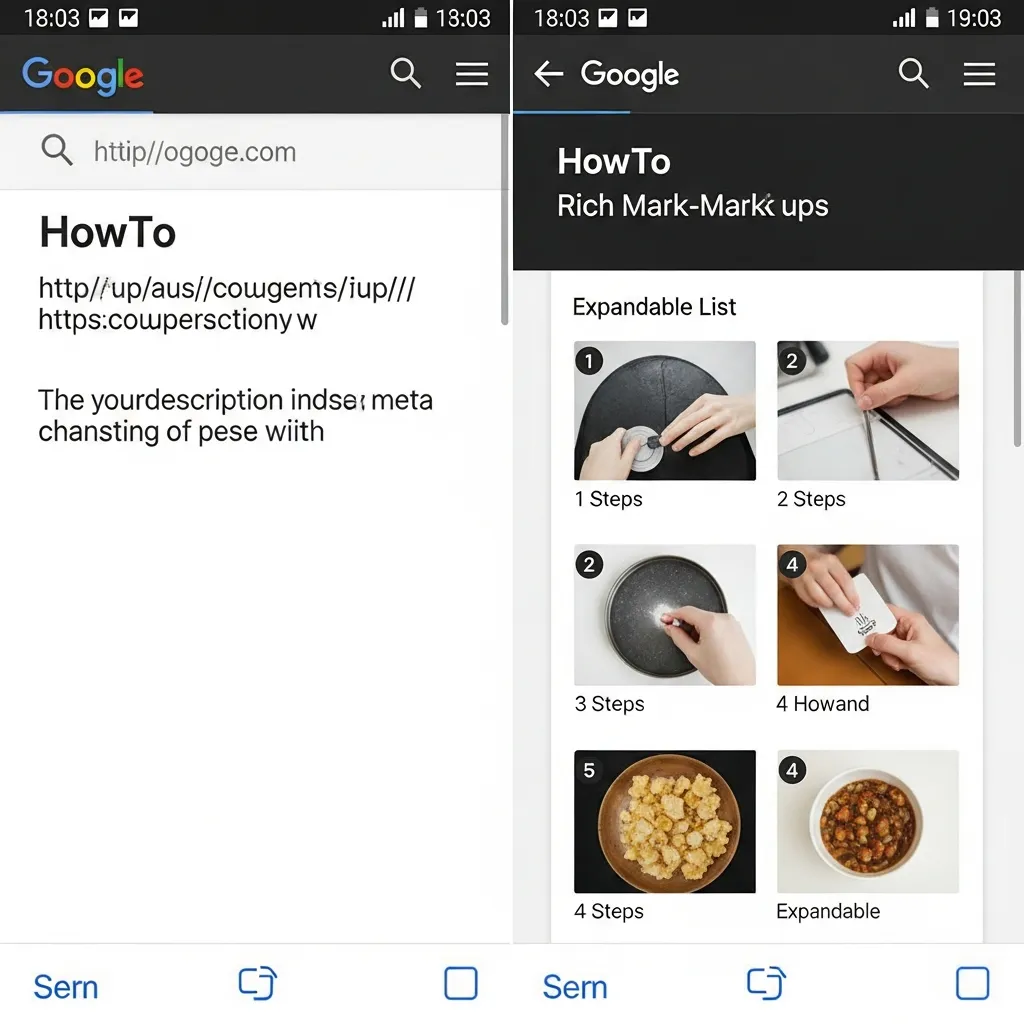
Beyond immediate visibility, structured data for tutorials supports your website’s E-E-A-T (Experience, Expertise, Authoritativeness, Trustworthiness). When search engines can easily parse and display comprehensive, step-by-step instructions, it signals high-quality, well-organized content. This demonstrates clear topical authority, building trust with both users and algorithms.
Ultimately, schema directly influences user engagement metrics. Higher CTR brings more users to your site, and the clarity offered by rich results informs users better, potentially leading to lower bounce rates and longer time-on-page. Prioritizing structured markup for tutorial content is a fundamental commitment to user experience and content expertise.
Essential Properties: Required and Recommended Fields
Successful implementation hinges on the accurate definition of core properties. Field observations indicate that adhering to both required and recommended fields significantly increases the likelihood of a rich result display.
The fundamental required properties for any HowTo markup include:
name: A concise, descriptive title for the entire guide.step: This property uses theHowToSteptype to outline each individual action. EachHowToStepmust have its ownname(the step’s title) and typically includes atextdescription.supplyortool: At least one instance of eitherHowToSupply(e.g., “screwdriver”) orHowToTool(e.g., “wood glue”) is mandatory to specify the items needed for the procedure.
For complex tutorials, HowToSection can be used to group related steps, providing a logical structure and improving the user experience by breaking down lengthy processes.
Beyond the essentials, several optional but high-value properties enhance user utility:
totalTime: Specifies the estimated duration to complete the guide using ISO 8601 format (e.g., “PT1H30M” for 1 hour 30 minutes).estimatedCost: Provides an approximate cost for the project, includingcurrencyandvaluefields.image: A representative image for the guide, which improves visual appeal in search results.
Key Insight: While the
stepproperty is mandatory, the clarity of yourHowToStepnameandtextdescriptions is paramount. Aim for direct, action-oriented language—typically under 100 characters for thename—to ensure readability across various rich result formats.
Step-by-Step Technical Implementation and Code Examples
Implementing HowTo schema markup effectively requires a precise technical approach, transforming your instructional content into data that search engines can readily interpret. This section explores the practical coding aspects, providing the templates and guidance necessary to ensure your guides achieve maximum visibility.
Industry data indicates that even minor syntax errors can prevent rich results from appearing. Therefore, meticulous attention to detail during implementation is paramount.
The HowTo Markup Mastery Blueprint
Before diving into the code, follow this systematic approach to ensure a robust implementation:
- Content Analysis & Data Extraction: Identify all relevant data points: title, description, image URLs, total time, estimated cost, tools, supplies, and individual step descriptions.
- Schema Type Selection: Choose between JSON-LD (recommended for flexibility) or Microdata (for inline annotation).
- Template Generation: Use a comprehensive template to construct your script, populating it with extracted data.
- Enhanced Guidance Integration: Incorporate
HowToDirectionfor detailed steps andHowToTipfor supplementary advice. - Video Content Mapping: If applicable, integrate video objects directly into your schema to highlight visual instructions.
- Dynamic Content Mapping Strategy: Plan how your CMS will automatically populate schema fields from your existing content structure.
JSON-LD: The Preferred Implementation Method
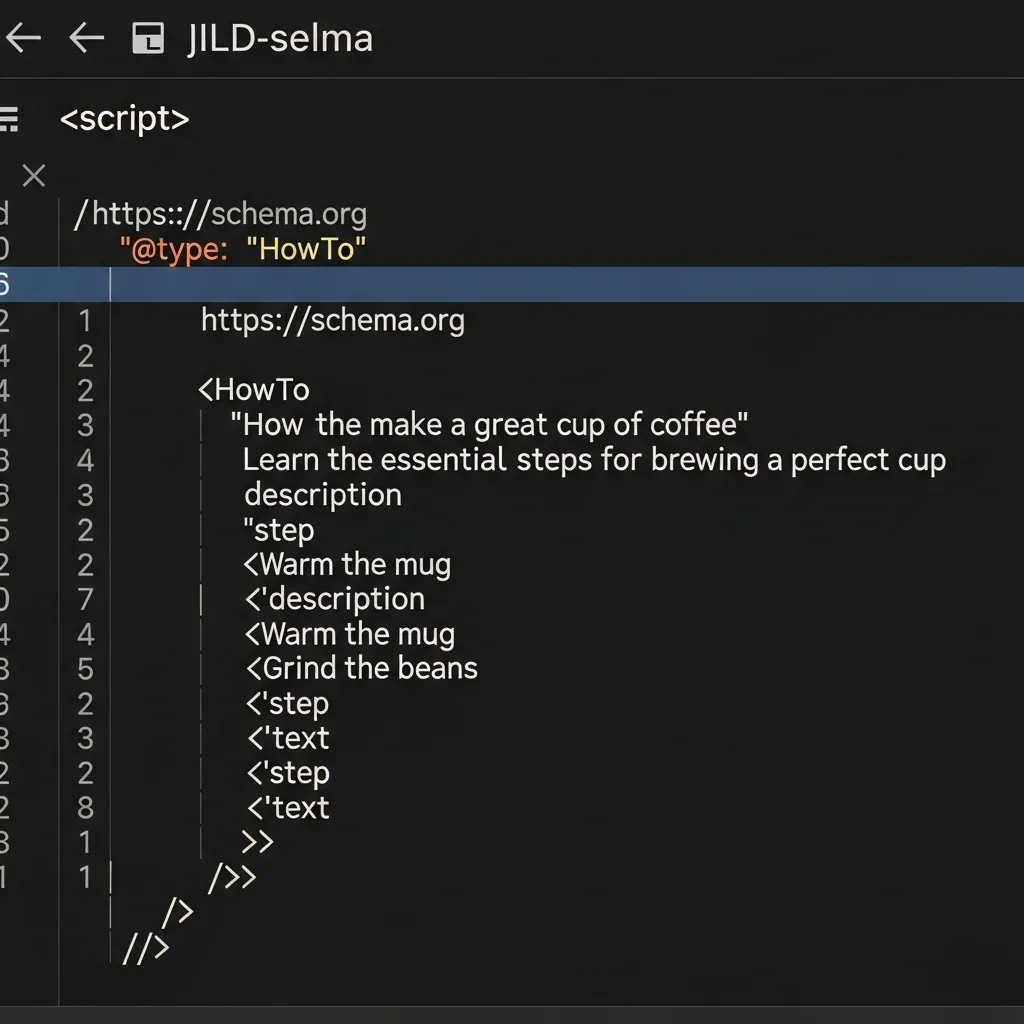
JSON-LD (JavaScript Object Notation for Linked Data) is the recommended method for implementing structured data. It is clean, easy to embed in the <head> or <body> of your HTML, and keeps structured data separate from the visual presentation.
Here’s a comprehensive template for a standard how-to article:
<script type="application/ld+json">
{
  "@context": "https://schema.org",
  "@type": "HowTo",
  "name": "How to Change a Flat Tire Safely",
  "description": "A comprehensive guide on safely changing a flat tire on the roadside.",
  "image": {
    "@type": "ImageObject",
    "url": "https://example.com/images/flat-tire-guide.jpg",
    "width": "800",
    "height": "450"
  },
  "totalTime": "PT30M", // ISO 8601 duration format: P=Period, T=Time, 30M=30 Minutes
  "estimatedCost": {
    "@type": "MonetaryAmount",
    "currency": "USD",
    "value": "0" // Assuming no cost for tools already owned
  },
  "tool": [
    {
      "@type": "HowToTool",
      "name": "Car Jack"
    },
    {
      "@type": "HowToTool",
      "name": "Lug Wrench"
    },
    {
      "@type": "HowToTool",
      "name": "Spare Tire"
    }
  ],
  "supply": [
    {
      "@type": "HowToSupply",
      "name": "Work Gloves"
    },
    {
      "@type": "HowToSupply",
      "name": "Roadside Safety Kit"
    }
  ],
  "step": [
    {
      "@type": "HowToStep",
      "name": "Prepare for Safety",
      "url": "https://example.com/how-to-change-tire#step1",
      "text": "Pull over to a safe, level spot away from traffic. Turn on your hazard lights and set up reflective triangles or flares.",
      "image": "https://example.com/images/step1-safety.jpg",
      "itemListElement": [
        {
          "@type": "HowToDirection",
          "text": "Ensure your vehicle is on a flat surface."
        },
        {
          "@type": "HowToDirection",
          "text": "Engage the parking brake firmly."
        },
        {
          "@type": "HowToTip",
          "text": "Always prioritize your safety and the safety of others on the road."
        }
      ]
    },
    {
      "@type": "HowToStep",
      "name": "Loosen Lug Nuts",
      "url": "https://example.com/how-to-change-tire#step2",
      "text": "Before lifting the car, use the lug wrench to loosen the lug nuts on the flat tire. Turn counter-clockwise. They may be tight, so use your foot if necessary.",
      "image": "https://example.com/images/step2-loosen-nuts.jpg",
      "video": {
        "@type": "VideoObject",
        "name": "Loosening Lug Nuts",
        "description": "Demonstration of how to safely loosen lug nuts.",
        "uploadDate": "2023-10-27T08:00:00+08:00",
        "duration": "PT1M30S",
        "thumbnailUrl": "https://example.com/videos/lug-nuts-thumb.jpg",
        "contentUrl": "https://example.com/videos/lug-nuts.mp4",
        "embedUrl": "https://www.youtube.com/embed/yourvideoid"
      },
      "itemListElement": [
        {
          "@type": "HowToDirection",
          "text": "Locate the lug wrench in your vehicle's trunk."
        },
        {
          "@type": "HowToDirection",
          "text": "Apply firm, steady pressure counter-clockwise."
        },
        {
          "@type": "HowToTip",
          "text": "Never fully remove the lug nuts until the car is properly jacked up."
        }
      ]
    }
  ]
}
</script>
Key elements within this JSON-LD structure:
HowToDirectionandHowToTip: Nested withinHowToStepusingitemListElement, these provide granular instructions and helpful advice. Breaking down complex steps into smallerHowToDirectionelements improves user comprehension and allows search engines to highlight specific parts of your instructions.- Video Integration: The
videoproperty withinHowToStepallows you to embed aVideoObject. This is crucial for multimedia-rich content, allowing search engines to potentially feature your video directly in rich results.
Microdata: Inline HTML Structured Data
While JSON-LD is generally preferred, Microdata offers an alternative by embedding structured data directly into your HTML elements using itemscope and itemprop attributes.
html
<div>

<img src="https://example.com/images/cookies.jpg" alt="Perfect Chocolate Chip Cookies" />

Follow this simple recipe for delicious, chewy chocolate chip cookies every time.

Total Time: <time datetime="PT45M">45 Minutes</time>

Estimated Cost:
$
5
<h2>Tools Needed:</h2>
<ul>
 	<li>Mixing Bowl</li>
 	<li>Baking Sheet</li>
</ul>
<h2>Supplies:</h2>
<ul>
 	<li>All-Purpose Flour</li>
 	<li>Chocolate Chips</li>
</ul>
<h2>Steps:</h2>
<ol>
 	<li>
<h3>Preheat Oven</h3>
Preheat your oven to 375°F (190°C). Line a baking sheet with parchment paper.

<img src="https://example.com/images/step1-preheat.jpg" alt="Preheating oven" />
<div>

Ensure oven temperature is accurate for best results.

</div>
<div>

Using parchment paper prevents sticking and makes cleanup easier.

</div></li>
 	<li>
<h3>Mix Dry Ingredients</h3>
In a large bowl, whisk together flour, baking soda, and salt.
<div><span style="display: none;">Mixing Dry Ingredients</span>
<span style="display: none;">See how to properly mix dry ingredients.</span><iframe src="https://www.youtube.com/embed/yourvideoid" frameborder="0" allowfullscreen="allowfullscreen"></iframe>

</div></li>
</ol>
</div>
Pros and Cons of Microdata:
- Pros: Integrates directly with visible content; can be intuitive for simple, static pages.
- Cons: Can clutter HTML code and is harder to maintain for complex structures. Technical data suggests that parsing Microdata can be more fragile than JSON-LD due to its reliance on specific HTML nesting.
Mapping Dynamic Content from a CMS
For websites powered by a Content Management System (CMS), manually writing schema for every article is impractical. The most efficient approach involves dynamically generating the schema script.
The core principle is to extract specific data fields from your CMS and programmatically insert them into a JSON-LD template.
- Identify CMS Fields: Map custom fields (e.g., “Step Title”, “Tools Required”) to corresponding schema properties.
- Templating Engine Integration: Use languages like Liquid, Twig, or PHP to populate the template.
- JSON-LD Generation: When a page loads, the CMS fetches the data, inserts it into the structure, and outputs the complete
<script>block.
For example, a WordPress “How-To Step” custom post type might iterate through steps to construct the HowToStep array. This ensures consistency and scalability across thousands of pages.
Pro Tip: When mapping dynamic content, implement robust error handling. If a required field is missing, decide whether to omit that section or use a default value to prevent invalid output.
Testing and Validating Your Structured Data
After implementing HowTo schema markup, validation is paramount to ensure rich result eligibility. Begin with Google’s Rich Results Test tool. This resource confirms if your data qualifies for rich results and provides a live preview of how it might appear in search.
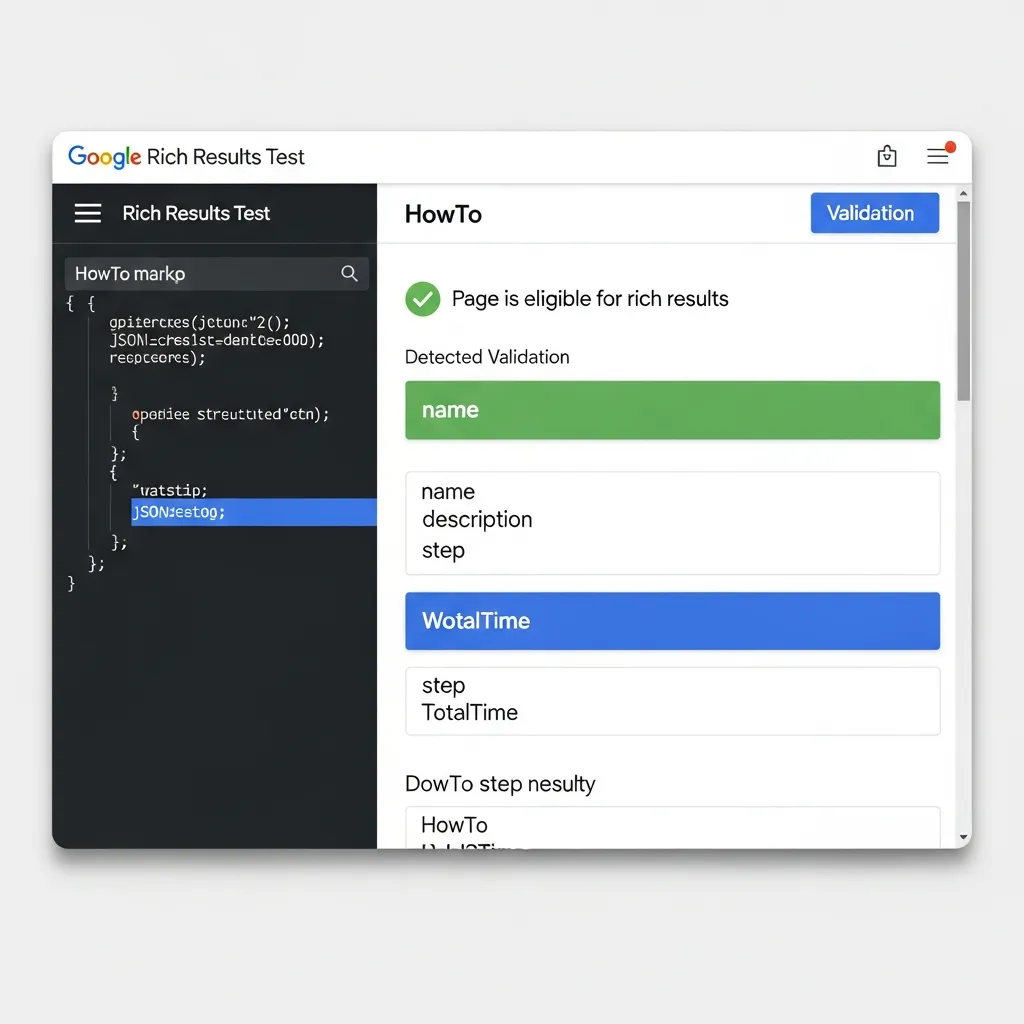
For granular syntax accuracy, the Schema Markup Validator is indispensable. It checks your JSON-LD against schema.org specifications, highlighting structural discrepancies. Post-deployment, Google Search Console serves as your central hub for monitoring performance. Its “Enhancements” section reports on impressions, clicks, and critical errors. Finally, iterative testing is crucial; always re-validate your data whenever content is updated to ensure sustained visibility.
Common Implementation Pitfalls and Troubleshooting
Implementing HowTo schema markup effectively requires vigilance against common errors. One significant pitfall is the ‘hidden content’ trap: your schema must accurately mirror the visible, user-facing instructions on the page. If the schema describes steps not present or accessible to the user, Google may ignore or penalize the markup.
Handling non-sequential steps or multi-path instructions also presents a challenge. While HowTo schema is primarily linear, for complex processes, you should structure the schema around the primary path and use standard HTML links for alternatives.
Additionally, avoid generic names and vague descriptions. Each HowToStep should have a clear, actionable name. “Click button” is far less effective than “Click the ‘Save Changes’ button in the top right corner.”
Finally, troubleshooting ‘missing field’ warnings in Google Search Console is critical. These warnings often point to required properties that are absent or malformed. Regular reviews allow for prompt correction, ensuring your data remains eligible for rich results.
Pro Tip: Always re-validate your schema with Google’s Rich Results Test after any content or code update to catch errors proactively.
Strategic Integration with Voice Search and Video
This markup is pivotal for voice search and multimodal experiences. It directly powers voice-guided instructions on smart speakers, enabling hands-free interaction. This also increases your chances of securing ‘Position Zero’ and featured snippets.
While text-only schema is foundational, video-enhanced schema offers a much richer experience. Embedding video objects within steps provides invaluable visual guidance. Properly linking video objects not only improves rich result display but also significantly boosts user engagement.
I firmly believe this video integration is essential for future-proofing content for multimodal search. A common oversight is neglecting crucial video properties like thumbnailUrl and uploadDate, which can limit your visibility in visual and voice-driven search results.
Final Thoughts on Future-Proofing Your Content
HowTo schema markup is a long-term investment for enduring visibility. Consistent validation is paramount; neglecting updates risks the loss of rich results. A disciplined approach future-proofs your content as search algorithms evolve. Regularly review your markup and apply the Rich Results Test to your next instructional guide to maintain your competitive edge.
Frequently Asked Questions
What is HowTo schema markup?
HowTo schema markup is a type of structured data that explicitly tells search engines your content is a step-by-step guide, enabling rich results like instructional cards in search results.
Does HowTo schema improve SEO rankings?
While not a direct ranking factor, HowTo schema significantly improves organic click-through rates (CTR) and visibility, which signals high-quality content to search engines.
What is the difference between HowTo and Recipe schema?
HowTo schema is for general procedural guides (like DIY projects), whereas Recipe schema is specifically for culinary instructions, including ingredients and nutrition data.
Which format is best for HowTo schema: JSON-LD or Microdata?
Google recommends JSON-LD because it is easier to implement, maintain, and separates the structured data from the visual HTML of the page.