Understanding FAQ Schema and Its Role in Modern SEO
In the intricate landscape of modern search, visibility hinges on how effectively search engines comprehend your content. FAQ schema markup, specifically the FAQPage structured data type, is a powerful tool for achieving this. It involves embedding machine-readable code, typically JSON-LD, directly into web pages to explicitly define question-and-answer pairs.
Search engines interpret properties like mainEntity (the question) and acceptedAnswer (the corresponding answer) to grasp core informational intent. This precise classification moves beyond basic rich snippets, contributing to a more profound, entity-based understanding of content. Field observations indicate this shift is crucial for relevance in an increasingly semantic web, directly influencing how content appears in diverse search features. For advanced technical strategies, see schema implementation.
Strategically implementing FAQ schema can lead to:
- Enhanced SERP visibility via rich results.
- Improved user experience with direct, immediate answers.
- Better content indexing for specific, long-tail queries.
Imagine a user searching for “how to reset my router.” A page with correctly marked-up FAQ content can appear as a prominent rich result, offering immediate value and driving authority.
The Strategic Value of FAQ Markup in the Current Search Landscape
The strategic deployment of FAQ schema transcends mere visibility; it fundamentally reshapes how a website interacts with the search landscape. Through numerous projects, I have consistently observed that well-implemented FAQ schema can boost organic Click-Through Rates (CTR) by 5-10% for relevant queries, simply by securing more prominent SERP real estate. This expanded presence draws immediate attention, helping your content stand out in a crowded field.
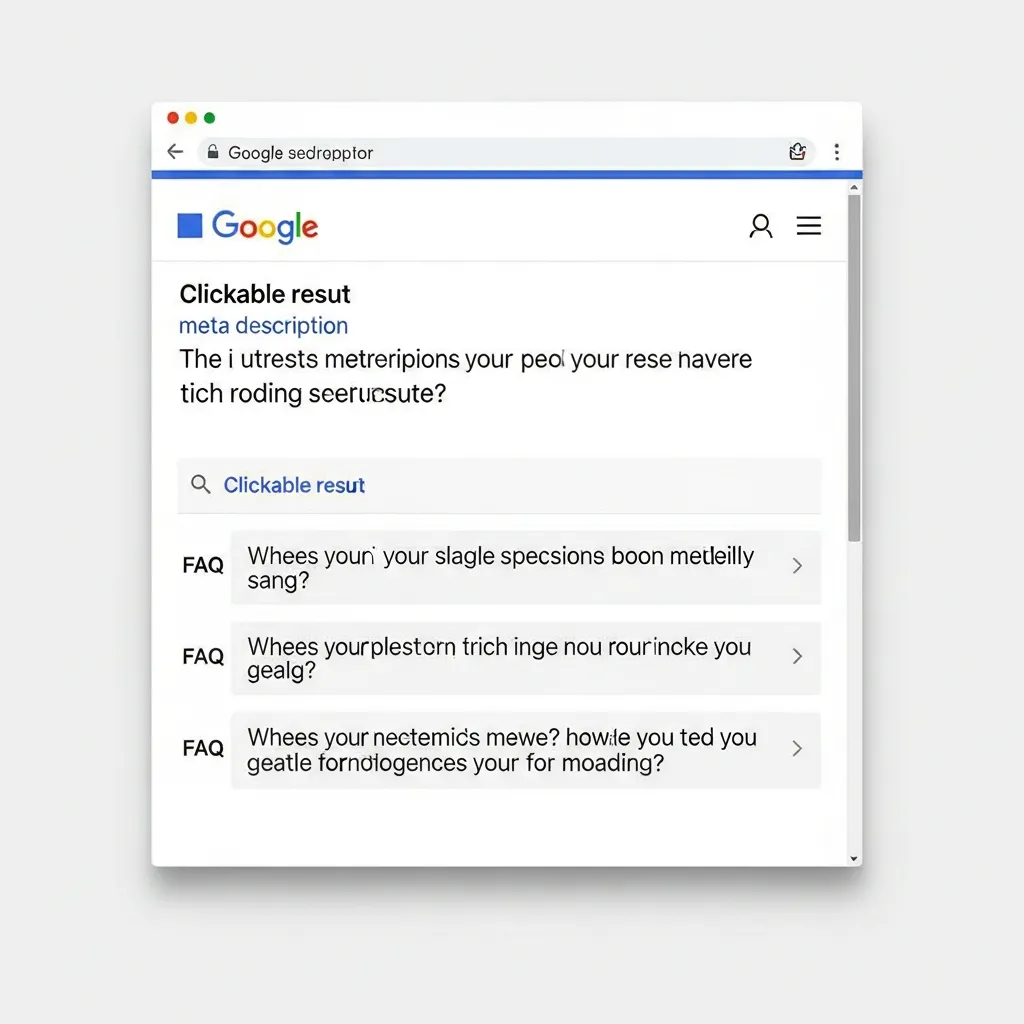
Beyond visual appeal, FAQ schema acts as a direct conduit for voice search and AI-driven answers. By clearly structuring question-and-answer pairs, you provide high-quality data to intelligent assistants and large language models, enhancing discoverability in conversational queries.
This structured data also reinforces search engine trust, signaling content clarity and authority. While rich results benefit all sites, recent search updates tend to emphasize authoritative sources for broad informational queries. However, commercial sites gain immense strategic value by using FAQ schema to pre-emptively address product or service questions, building trust and guiding user intent. A common mistake is using generic FAQs; instead, focus on specific customer pain points to drive conversions.
FAQPage vs. QAPage: Selecting the Correct Schema Type
Choosing between FAQPage and QAPage schema is critical for accurate search engine interpretation and rich result eligibility. The FAQPage markup is designed for pages where the site provides definitive, single-source answers, such as an official product FAQ section. These answers are authoritative and not open for community contribution.
Conversely, QAPage is intended for pages containing a question with multiple community-provided answers, such as forums or Q&A platforms where users vote on the best response.
The critical difference lies in the content’s origin and structure. FAQPage uses Question and Answer properties directly to reflect a singular, official response. QAPage employs Question, acceptedAnswer (for the best community answer), and suggestedAnswer for others. A common misstep is applying FAQPage to user-generated forum content, which often results in Google ignoring the markup due to guideline violations. Prioritizing the content’s origin—authoritative vs. community-driven—is the most effective approach to ensure correct implementation.
Step-by-Step Technical Implementation of FAQ Schema
Implementing FAQ schema markup effectively requires precision in code generation and strategic deployment. While the concept is straightforward, technical execution often involves nuances that impact rich result eligibility. This guide ensures your implementation is technically sound across various environments.
The FAQ Schema Implementation Compass: A 4-Point Technical Journey
Successful deployment hinges on a structured approach. Adhere to these four critical steps for a robust implementation:
- Code Generation: Precisely craft your JSON-LD or Microdata, ensuring accurate
QuestionandAcceptedAnswerproperties. - Placement Strategy: Select the optimal method for embedding code into your HTML (direct HTML, Google Tag Manager, or CMS integration).
- Dynamic Content Integration: For CMS users, integrate schema generation with content fields to automate and scale.
- Validation & Testing: Use Google’s Rich Results Test and the Schema Markup Validator to confirm implementation and identify errors.
Generating JSON-LD Code (Google’s Recommended Method)
JSON-LD (JavaScript Object Notation for Linked Data) is Google’s preferred method for structured data implementation. It is clean, efficient, and can be injected into the <head> or <body> without interfering with page rendering.
To generate JSON-LD, you must define an @context (schema.org), an @type (FAQPage), and a mainEntity array containing objects for each question-answer pair. Each question object requires an @type of Question, a name property for the text, and an acceptedAnswer property.
Here is a basic code example:
<script type="application/ld+json">
{
  "@context": "https://schema.org",
  "@type": "FAQPage",
  "mainEntity": [{
    "@type": "Question",
    "name": "What is FAQ schema markup?",
    "acceptedAnswer": {
      "@type": "Answer",
      "text": "FAQ schema markup is structured data that helps search engines understand question-and-answer content on your page, potentially leading to rich results in search."
    }
  },{
    "@type": "Question",
    "name": "How does FAQ schema improve SEO?",
    "acceptedAnswer": {
      "@type": "Answer",
      "text": "It can enhance visibility by displaying answers directly in the SERP, increasing click-through rates, and establishing your site as an authoritative source for specific queries."
    }
  }]
}
</script>
While you can generate this code manually for static FAQs, larger or dynamic sets benefit from online generators or direct CMS integration.
Implementing Microdata for Legacy Systems
While JSON-LD is recommended, Microdata offers an alternative for integrating structured data directly into a page’s HTML. It uses HTML attributes like itemscope, itemtype, and itemprop to define properties within the visible content.
However, Microdata can be cumbersome to manage because it intertwines with the visual HTML, making updates more complex. For legacy systems where modifying the <head> is challenging, Microdata remains a viable, if less flexible, option.
An example of Microdata for a single FAQ item:
html
<div>
<div>
<h2>What are your business hours?</h2>
<div>

Our business hours are Monday-Friday, 9 AM to 5 PM EST.

</div>
</div>
</div>
Experience shows that maintaining Microdata for extensive FAQs is significantly more labor-intensive than using JSON-LD.
Leveraging Google Tag Manager (GTM) for Non-Technical Deployments
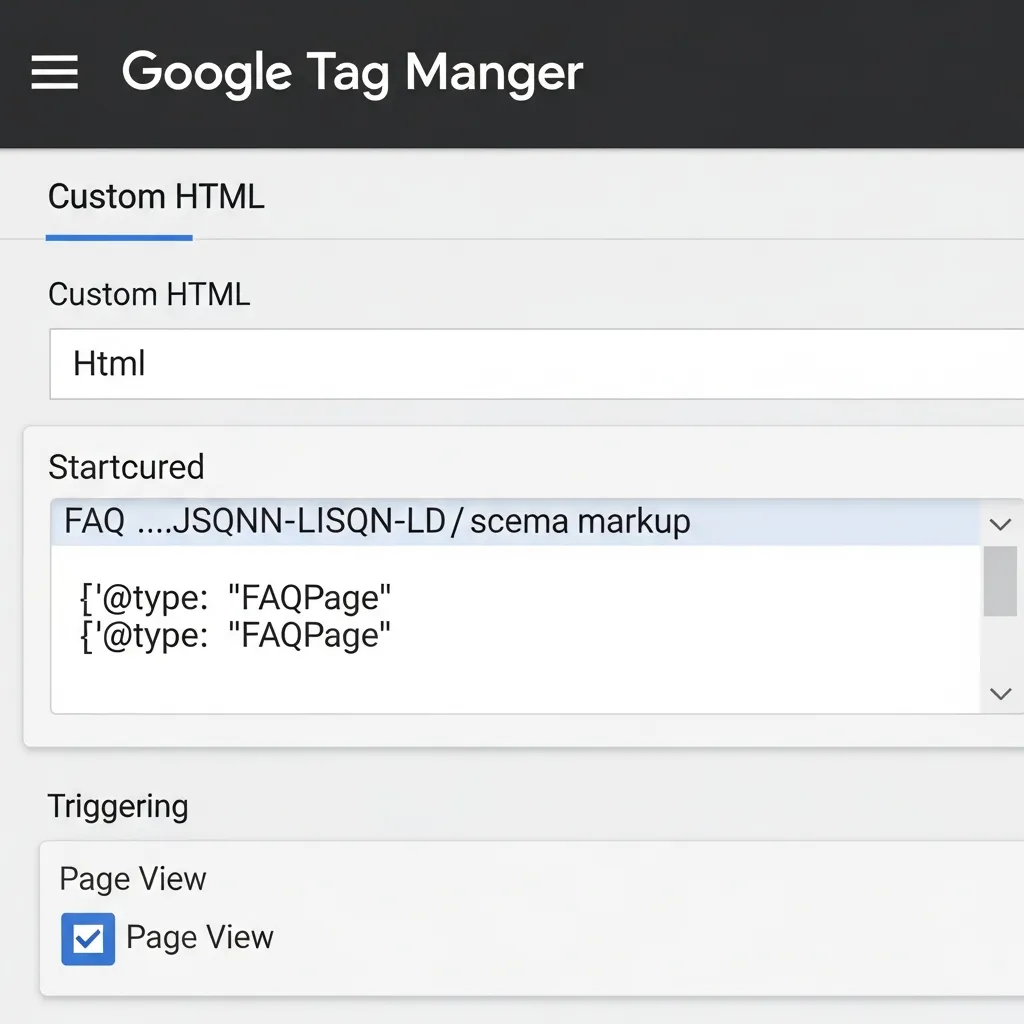
Google Tag Manager (GTM) allows you to inject JSON-LD without direct codebase access, making it ideal for marketers without developer resources. This involves creating a Custom HTML tag in GTM to house your script.
To implement FAQ schema via GTM:
- Prepare your JSON-LD: Ensure your script is complete and validated.
- Create a New Tag: Navigate to
Tags > Newin your GTM container. - Choose Tag Type: Select
Custom HTML. - Paste JSON-LD: Paste your complete
<script type="application/ld+json">...</script>block. - Configure Trigger: Set the trigger to
Page Viewfor the specific URLs where your FAQ content resides. - Save and Publish: Save the tag and publish your container.
Pro Tip: For dynamic content, push FAQ data into the
dataLayeron page load. Your GTM tag can then read this data to construct the JSON-LD dynamically, preventing stale schema if page content changes frequently.
WordPress Implementation Strategies
WordPress users can implement FAQ schema markup through user-friendly plugins or advanced custom field integrations.
Via Plugins
For most users, dedicated SEO plugins offer the simplest route:
- Yoast SEO Premium: Includes a “Schema block” that automatically generates the correct JSON-LD.
- Rank Math: Offers a built-in “FAQ Block” for the Gutenberg editor that automates generation.
- Schema Pro: A premium plugin designed specifically for structured data with comprehensive FAQ options.
These tools abstract technical complexities, allowing you to focus on content creation.
Manual Custom Fields (e.g., ACF)
Integrating with custom fields offers greater control for dynamic content. Using Advanced Custom Fields (ACF), you can create repeatable fields for questions and answers within your editor.
You can then programmatically loop through these fields in your functions.php file to inject the JSON-LD into the <head>:
php
function add_faq_schema_to_head() {
if ( is_single() && function_exists('have_rows') ) {
if ( have_rows('faq_items') ) { // 'faq_items' is your ACF repeater name
$schema_data = [
"@context" => "<a href="https://schema.org">https://schema.org</a>",
"@type" => "FAQPage",
"mainEntity" => []
];
while ( have_rows('faq_items') ) : the_row();
$question = get_sub_field('question_text');
$answer = get_sub_field('answer_text');
if ( $question && $answer ) {
$schema_data['mainEntity'][] = [
"@type" => "Question",
"name" => wp_strip_all_tags($question),
"acceptedAnswer" => [
"@type" => "Answer",
"text" => wp_strip_all_tags($answer)
]
];
}
endwhile;
echo '<script type="application/ld+json">' . json_encode($schema_data) . '</script>';
}
}
}
add_action('wp_head', 'add_faq_schema_to_head');
This approach requires more setup but offers unparalleled scalability for managing FAQ content. Regardless of the method, thorough validation is paramount.
Identifying High-Impact Questions for Your FAQ Content
Once the technical implementation is complete, populating the schema with valuable content is the next priority. Identifying high-impact questions is essential for maximizing rich result potential.
Start by mining customer support logs and internal site search data. These sources reveal genuine pain points, offering a direct pipeline to the questions that matter most to your audience. Supplement this by analyzing ‘People Also Ask’ (PAA) boxes in search results for your primary keywords. PAA sections indicate related queries Google considers relevant, providing excellent opportunities for visibility.
Next, conduct a competitor gap analysis. Examine the questions top-ranking competitors address to identify common themes and overlooked topics. However, it is crucial to balance keyword density with natural user intent. Over-optimizing for keywords often leads to unnatural, unhelpful answers that fail to satisfy the user. The most effective approach is to prioritize user-centric questions, ensuring answers are clear, concise, and naturally phrased.
Validating Your Markup and Troubleshooting Common Errors
Following implementation, validation is a critical final step to ensure your schema is eligible for rich results. Use Google’s Rich Results Test to check for eligibility and search display. For broader syntax accuracy and adherence to schema.org standards, the Schema Markup Validator provides secondary verification.
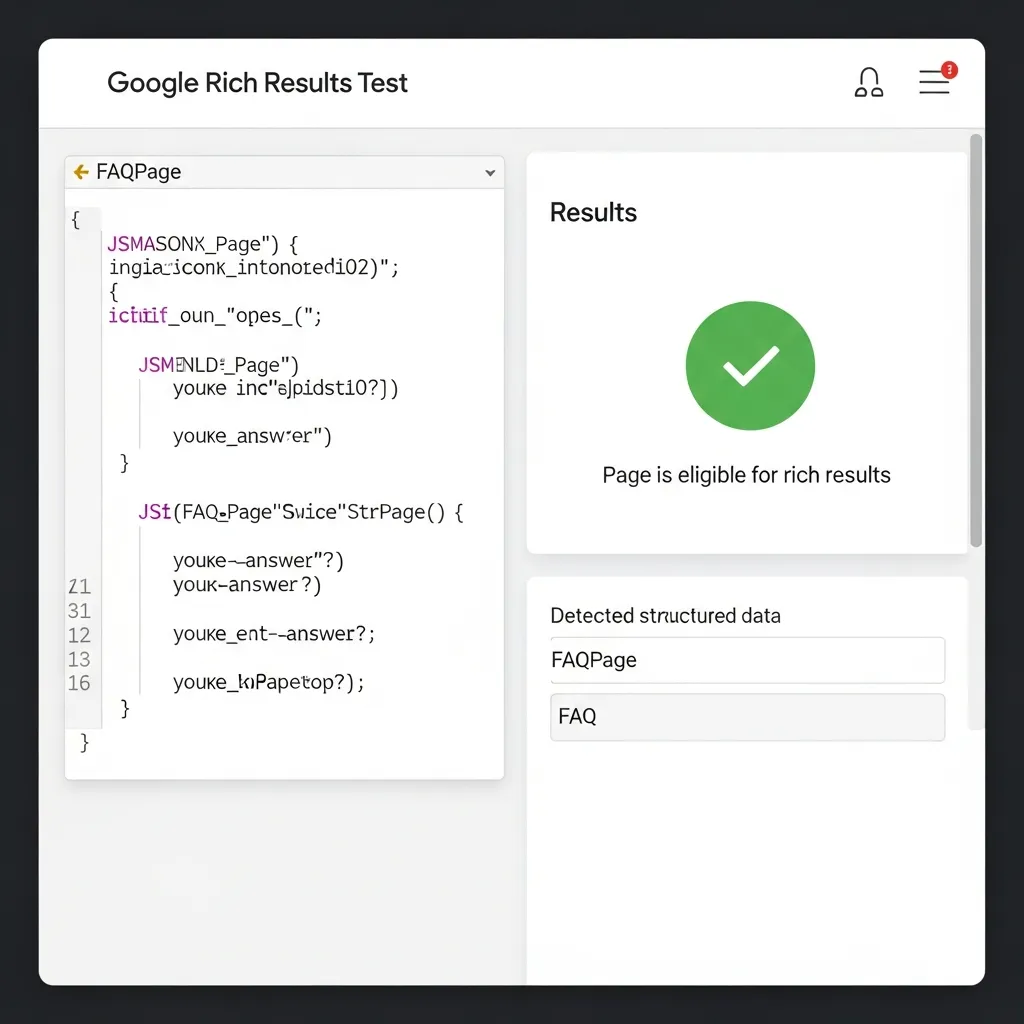
Post-validation, monitor your progress via Google Search Console’s Enhancement reports. These reports highlight valid items, errors, and warnings, offering ongoing insights. Common errors include missing required fields (like acceptedAnswer), unescaped characters in JSON-LD, and content mismatches where schema data is not visible on the page.
Note that a valid schema does not automatically guarantee rich results. Google prioritizes content quality, user relevance, and overall page experience when deciding what to display. Google reserves rich results for content that genuinely enhances the search experience and meets user intent.
Google Guidelines and Avoiding Manual Actions
Maintaining Google’s trust is paramount when implementing structured data. The ‘visible content’ rule requires that every question and answer in your markup be explicitly visible to users on the page. Marking up hidden content almost always leads to rich result disqualification. Furthermore, FAQ schema must not contain advertising or promotional material; its purpose is purely informational.
To avoid penalties, avoid duplicate markup across numerous pages, as this can be seen as an attempt to manipulate search results. Prioritizing genuine user value over rich result “gaming” is essential for long-term success. Engaging in structured data spam leads to manual actions, severely impacting your site’s visibility. I have seen sites lose all rich results for months due to such infractions.
Optimizing FAQ Schema for AI Search and Future Trends
FAQ schema is increasingly vital as it directly feeds Large Language Models (LLMs), providing structured data for a more nuanced understanding of your content. This preparation is essential for generative search experiences, where clear and accurate answers are prioritized.
Neglecting updates leads to LLMs retrieving stale information, which can diminish your site’s authority. A common mistake is neglecting regular schema audits, resulting in outdated Q&A pairs. This impacts current rich results and compromises the quality of information LLMs extract, hindering evergreen content performance and future visibility.
Conclusion
Mastering FAQ schema markup is foundational for modern search visibility and enhanced user engagement. This guide has illuminated its role in securing rich results, guiding user intent, and future-proofing content for AI-driven queries. Success hinges on correct schema selection, meticulous JSON-LD crafting, and identifying high-impact questions.
A common mistake is focusing solely on deployment without ongoing monitoring via Search Console. This often leads to missed opportunities due to content changes or forgotten validation. FAQ schema is more than a technical task; it is a strategic commitment to enhancing content relevance for evolving search algorithms. Prioritizing user value and strict adherence to Google’s guidelines is non-negotiable for sustained success.
To capitalize on these insights, audit your existing content using Google’s Rich Results Test and strategically plan your next implementation.
Frequently Asked Questions About FAQ Schema Markup
What is FAQ schema markup?
FAQ schema markup is a type of structured data, usually in JSON-LD format, that tells search engines which parts of your page are questions and answers, allowing them to display rich snippets in search results.
How does FAQ schema improve SEO?
It improves SEO by increasing your visibility on the search engine results page (SERP), boosting click-through rates (CTR), and making your content more accessible to AI-driven search engines and voice assistants.
Should I use FAQPage or QAPage schema?
Use FAQPage schema when you provide a single, authoritative answer to a question. Use QAPage schema for forum-style pages where multiple users provide different answers to a single question.
Does FAQ schema guarantee a rich result?
No, while valid markup makes your page eligible for rich results, Google uses its own algorithms to determine if a rich result is helpful to the user based on content quality and relevance.